The fastest path from question to proof
Turn every mile of video into answers you can search, trust, and act on in minutes, without hours of searching.



A clear view of every mile
With 100 percent of driving time analyzed in high definition, Driver•i devices turn your entire video library into a searchable source of truth, so you can pull the right clips quickly instead of searching for hours.

Protect assets & exonerate drivers
Video Access delivers video evidence so you can resolve claims faster and protect drivers and assets.

Provide proof of service
Quickly pull high-definition footage to prove you were on site, on time, and completed the work.

Validate & verify information
Search trips and events to see where a vehicle was, who was driving, and what was happening around them.
What our customers are saying
"Netradyne captures the full circumference of any event beautifully. The clarity that the video presents is second to none. I love that clarity. I love the fact that as I'm looking at this video event, I can see the distance, following distance that this driver is from that vehicle in front of. And I like the fact that the system recognizes when a vehicle cuts over in front of my driver and creates the event. So those are the things that I really like that Netradyne offers."

"The clarity of the camera is unbelievable. We have been able to stop the video, freeze frame a piece out of it, blow it up... that helps me start to narrow down when someone gets hit, who it is I have to start looking for. We would be paying so much in insurance costs that I would not have been able to recover have it not been for the Netradyne cameras being able to catch the guy in the act. We have recovered so much money [in insurance costs] because the Netradyne camera has the capability [to record for 10 hours] after the ignition is shut off and catch people in the act [-- from bumper-dings to missing hoods]."

Search video with your own words
From hours of footage to answers in seconds
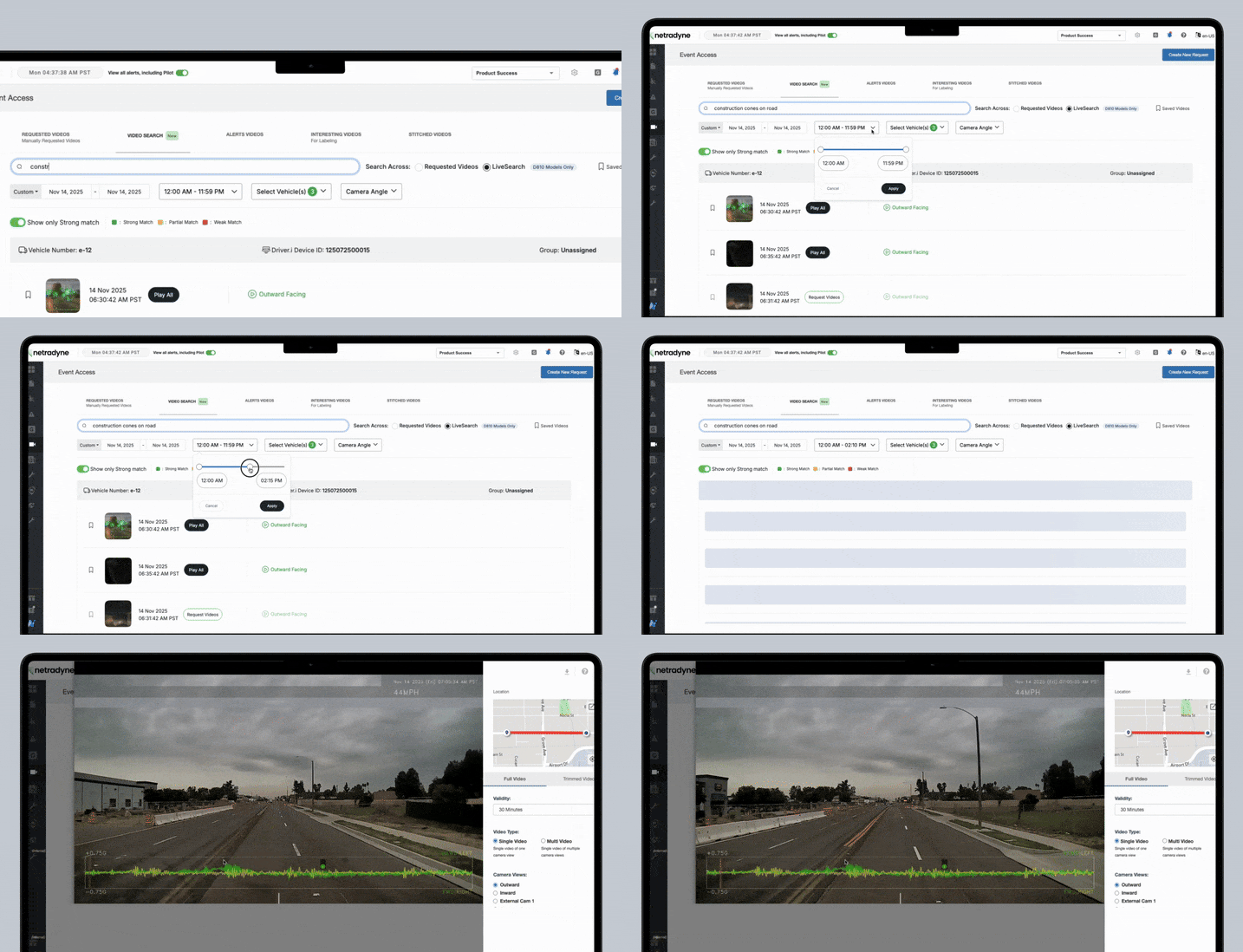
Video Cloud Search lets you search your requested videos using simple, everyday language. Instead of guessing dates and times, you can type what you are looking for and jump right to the video you need.



Video LiveSearch
Ask for the moment, land on the clip.
Video LiveSearch is an industry first that turns 100% of drive time into a timeline you can proactively search across with conversational phrases, so you jump to the most meaningful clip in minutes instead of waiting for incident reports, and then manually scrubbing hours of video.
For the first time, video that never triggered an alert can be usable evidence for insurance claims, operations, customer service, and compliance, not just safety.
Vehicle data, layered on every frame
Pair video with our Video Data Service to see live vehicle data with your video.
Speed, RPM, ABS, turn signal, braking and more to move from “what happened” to “why it happened” fast.





Complete visibility
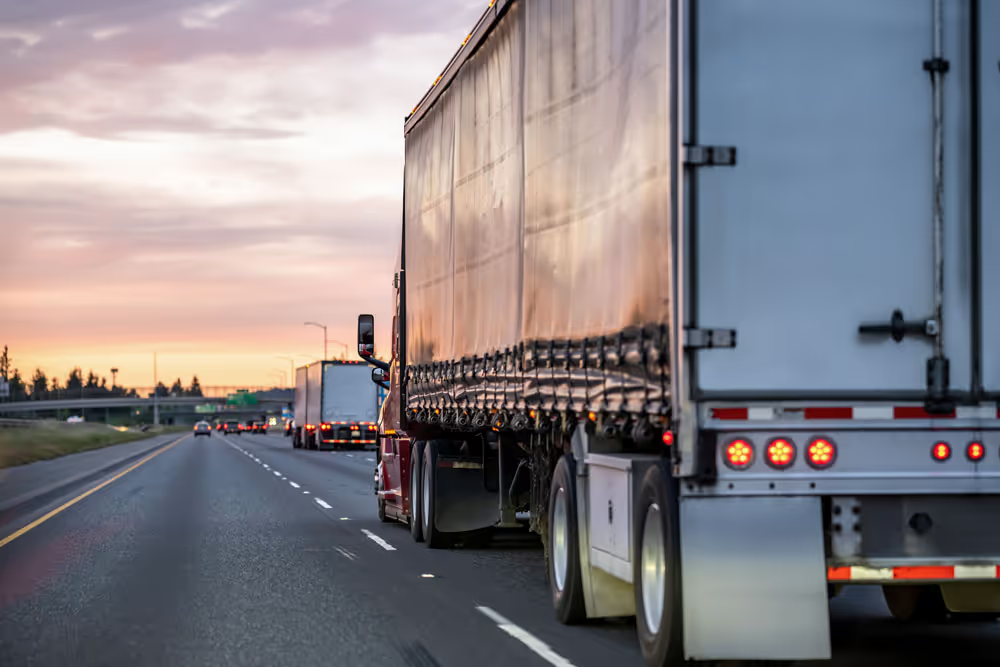
Clear video in and around the vehicle enables you to capture compliance violations like speeding, distracted driving, following distance, as well as safe and proactive driving behaviors so you have better insights for knowledgeable business decisions.
Manage theft & insurance claims
Searchable, real-time video captures and analyzes 100% of driving time so you have solid, high-quality video evidence to quickly exonerate drivers, prove service, and resolve insurance claims.




Video Cloud Search and Video LiveSearch both help you find the right footage fast, but they work at different points in the video lifecycle.
Video Cloud Search
Searches video that has already been requested and is now stored in your cloud library.
- Best for: Historical investigations, audits, and claims
- Coverage: Limited to footage that has already been downloaded from the device into the cloud
- Speed: Fast once the video is available in the cloud
Video LiveSearch
Searches video that is still on the device (or across multiple devices) at the edge, so you can find what you need immediately.
- Best for: ‘What just happened?’ moments, rapid verification, proactive fact-finding before an incident escalates or finding trends across the entire fleet
- Coverage: Search one device or many without downloading the footage first
- Speed: Near-immediate results without waiting for upload
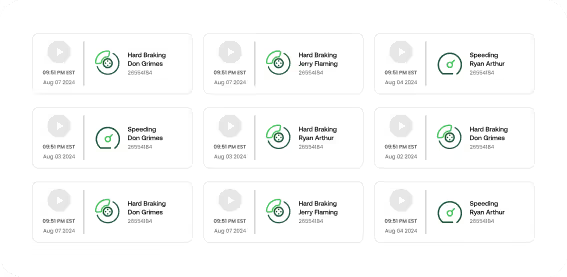
Between the IDMS dashboard, Netradyne Video Search, and Video LiveSearch, managers can use simple language to quickly identify the clips they need instead of combing through hours of footage to look for them. You can search by vehicle and timeframe and quickly pull the right footage for coaching, claims, or customer questions. For more best practices, see our article on fleet video monitoring.
Netradyne Video Access gives you fast, reliable access to what actually happened on the road. You can search by time or vehicle and pull clear video from before, during, and after an incident. That evidence lets you exonerate drivers when they are not at fault, shut down false or inflated claims, and work with your carrier to settle valid claims faster and with more control over costs.
To see how our fleet dash cam system supports this, visit the Fleet Camera System page.
Netradyne captures road-facing and in-cab views from all devices. With the Driver•i D-810, you can connect up to eight cameras and apply 360 AI so side, rear, and auxiliary views benefit from the same edge intelligence as the front camera. With Hub-X, you can add up to four auxiliary cameras for additional video coverage for live viewing only.
That combination gives you full visual context for collisions, near-misses, proof of service, and customer questions, not just what the windshield camera sees.
For more detail on 360 coverage, visit the 360 AI camera system and Hub-X pages.
Netradyne stores fleet dash cam video securely in the cloud according to your retention policies and plan. Critical clips tied to safety events and bookmarks can be downloaded so you can access them, even after the Netradyne retention period, for insurance claims, safety reviews, and audits. All video is encrypted in transit and at rest, with role-based access controls so only authorized users can search, view, or export footage.
Our guide on boosting fleet safety with AI dash video walks through how fleets use this stored video to reduce risk and improve coaching.
Yes. Netradyne offers a range of pre-built integrations and open APIs so you can connect video, alerts, and driver scores with your existing fleet management, telematics, or safety platforms. That lets you line up video with GPS, maintenance, routing, and HR data instead of working in silos.
Visit our fleet integrations hub to see supported partners and use cases.
Video telematics combines traditional telematics data like GPS, speed, and engine status with high-definition dash cam video. Netradyne Video Access is the front door to that data, letting you quickly pull the right clips that sit behind your alerts, events, and driver scores. That means you are not just looking at a harsh braking alert or speeding flag in a spreadsheet; you can see exactly what happened on the road.
For an overview, see our explainer on what is video telematics.

Want to protect drivers & reduce costs?
That’s not a trick question. See for yourself with a demo.